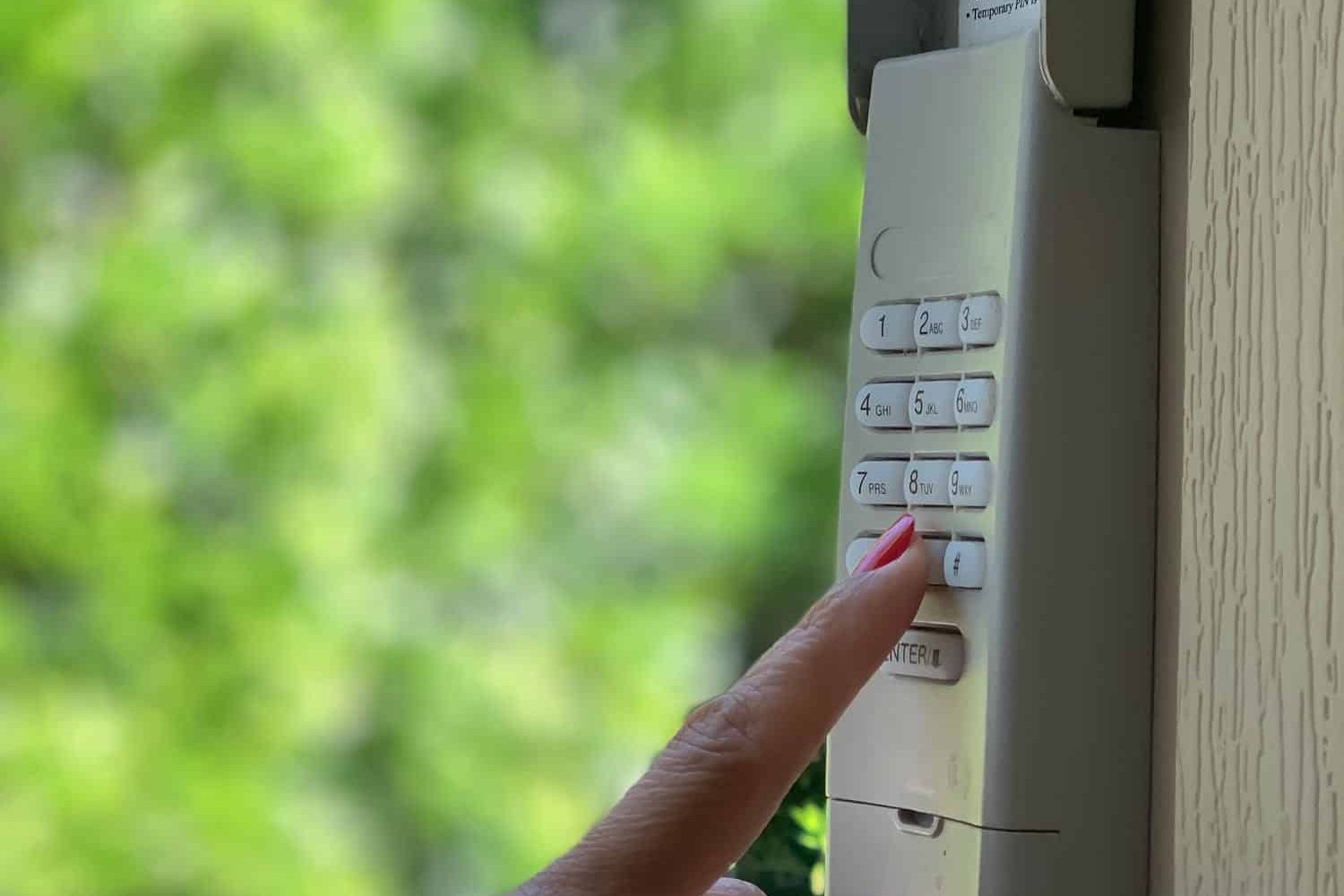
A garage door keypad that stops responding can turn a routine arrival into a stressful moment. In St. Louis, MO, keypad trouble often shows up after humidity spikes, winter freeze-thaw swings, and storm-related power flickers that can disrupt garage door opener electronics and trigger a need for garage door repair. Many homeowners assume the opener has failed, but keypad issues usually trace back to battery strength, lock settings, signal interference, or outdoor wear.
This guide follows the same order an experienced garage door technician uses on service calls. It helps you confirm what is wrong, what it usually means, and what to check next, without jumping into risky steps that can create more issues or lead to a bigger garage door repair situation.
Start With These Fast Checks Before Anything Else
Before focusing on the keypad, confirm that the door system runs normally. This prevents chasing keypad settings when the issue is actually power, safety sensors, or door travel.
Quick system confirmation
- Use the wall control inside the garage to run the door.
- Confirm the opener lights respond when you press the wall control.
- Watch the door travel. It should move smoothly without shaking, binding, or stopping early.
- Check the safety sensor indicator lights. They are often steady when aligned.
What the results usually mean
- Wall control works, and the door runs normally: the keypad is likely the problem, or the keypad signal is not reaching the opener reliably.
- Wall control does not work: pause keypad troubleshooting. Power, opener settings, or door operation needs attention first.
- The door starts down, then reverses: this often points to sensor alignment, sensor obstruction, or travel settings instead of keypad failure.
If this started suddenly, especially after a storm, read Why Your Garage Door Keypad Stops Working Suddenly to understand the most common triggers technicians find.
Check the Keypad Battery and Power Strength
Keypads depend on battery power to transmit a stable signal to the opener receiver. St. Louis weather can cause batteries to behave inconsistently, especially during winter cold snaps and summer heat.
Signs the battery is fading
- The keypad lights up, but the door does nothing.
- There is a delay after code entry.
- The keypad works sometimes, then fails again.
- The keypad works only when you stand close to the door.
Why “it lights up” can still mean weak power
A keypad can have enough power to light up, but not enough power to send a strong signal. This is one reason battery trouble gets misdiagnosed as a programming issue.
Battery habits that reduce lockouts
- Replace keypad batteries on a routine schedule.
- Keep the battery compartment clean and dry.
- If you see corrosion around contacts, stop and schedule service. Corrosion tends to spread and reduce reliability.
If the keypad works sometimes and you want a reliable troubleshooting sequence, read Garage Door Keypad Not Working? Troubleshooting Checklist.
Confirm Lock Mode and Access Settings Are Not Blocking Use
Many wall consoles include a lock feature that disables remotes and keypads. It is a helpful security setting, but it is also a common reason keypads “stop working” without warning.
Signs lock mode may be active
- The keypad accepts the code, but the door never responds.
- Remotes also stop working at the same time.
- The wall control still runs the door normally.
What to check
- Look for a lock indicator on the wall console.
- Confirm the wall station is not in a mode that blocks wireless access.
If the keypad flashes or beeps in a pattern and you are not sure what it means, review What Garage Door Keypad Lights and Beeps Usually Mean for clear signal meanings.
Check for Simple Code and Button Input Issues
Not every keypad failure is electronics-related. Some “not working” reports come from incomplete input, worn buttons, or temporary lockouts after repeated incorrect attempts.
Quick input checks
- Enter the code slowly and deliberately.
- Confirm each button press registers.
- If your keypad uses an enter key, confirm it is pressed.
Signs that the keypad buttons are worn
- One digit feels soft compared to the others.
- A specific number only responds with a hard press.
- The keypad works intermittently even with fresh batteries.
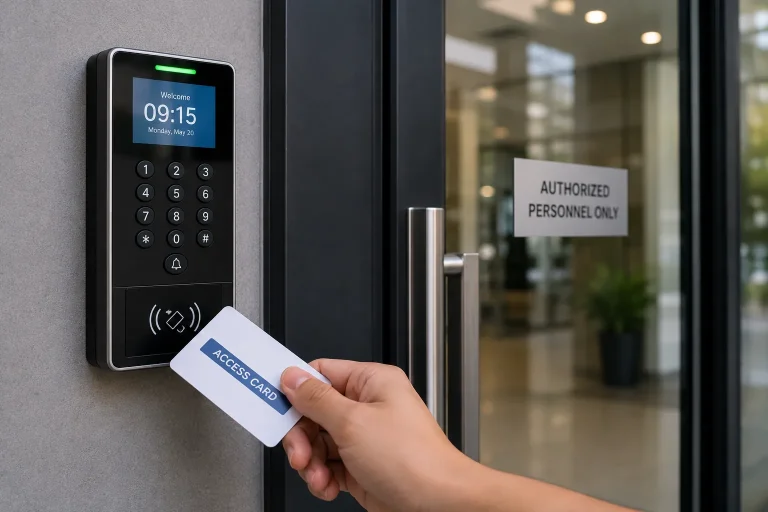
Button pad wear is common on outdoor keypads that deal with heat, moisture, and daily use.
Inspect the Keypad for Weather Exposure and Physical Damage
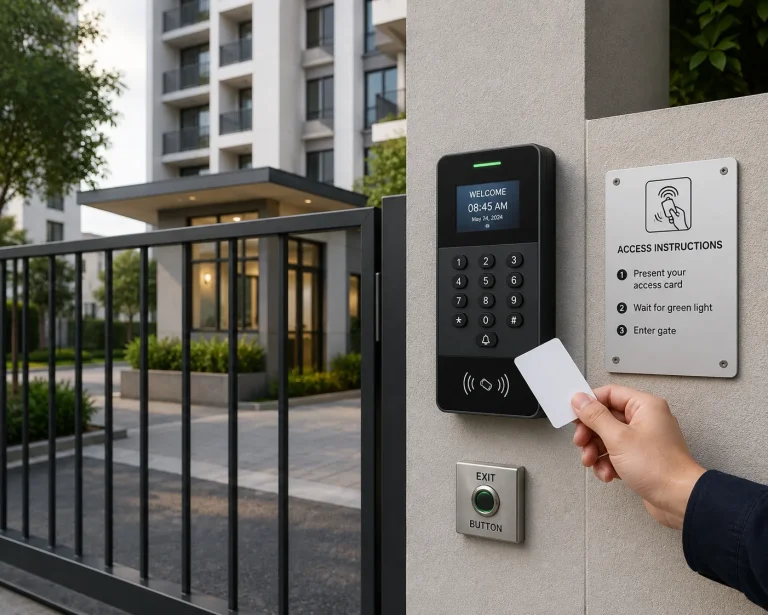
Outdoor keypads in St. Louis face humidity, wind-driven rain, and freeze-thaw cycles. Over time, these conditions can affect the keypad housing and internal contacts.
Exterior inspection checklist
- Check for cracks in the keypad face or cover.
- Confirm the cover closes fully and seals well.
- Check mounting stability. A loose keypad can shift and allow moisture in.
- Inspect for watermarks or residue behind the cover.
What moisture usually causes
Moisture can lead to an intermittent response that mimics signal interference. If you see moisture behind the cover or corrosion at contacts, it is wise to stop troubleshooting and schedule service.
Verify the Opener Is Receiving a Keypad Signal
If the keypad works only at certain times or only when you stand close, the receiver may not be getting a clean signal. This can come from interference, antenna positioning, or reduced transmitter strength.
Common range and signal symptoms
- Works only up close to the door.
- Works better when you face the door directly.
- Works after several attempts, then fails again.
Common interference sources inside garages
- Certain LED bulbs are installed in the opener light sockets
- Wi-Fi routers or smart hubs near the opener head
- Battery chargers and power tools are stored near the opener
- Large metal storage cabinets close to the receiver area
Antenna awareness
Most garage door opener systems have a receiver antenna wire that hangs down from the opener head. If it is tucked up, wrapped, cut short, or pinned against metal, the signal range can drop, and the keypad may struggle to communicate reliably.
If you are seeing symptoms that hint at a wider system issue, read When a Garage Door Keypad Problem Signals a Bigger Issue so you know when professional inspection is the safer route.
Confirm It Is Not a Safety System or Door Travel Problem
Sometimes the keypad is sending the command, but the system refuses to complete the close cycle due to a safety trigger. That can make it feel like the keypad is failing.
Signs the issue may not be the keypad
- The door opens normally, but will not close from the keypad.
- The door starts to close, then reverses.
- Sensor lights blink or go out.
- The wall control must be held down for the door to close.
These are classic signs of safety sensor alignment or door travel resistance, not keypad-only failure.
Post-Storm and Power Flicker Patterns in St. Louis
St. Louis storms can cause quick power flickers that do not trip a breaker but still disrupt opener settings or memory. After this, a keypad may stop working even though the wall control still runs the door.
What technicians commonly find after a power disruption
- Wireless devices become inconsistent
- The opener shows unusual indicator light behavior
- Keypad pairing needs to be restored in the correct order
If you are not sure which steps apply to your opener model, avoid random programming attempts. Guessing can erase stored devices and add complications.
Adding a quick post-storm check to your routine home maintenance habits can reduce surprise lockouts and catch small issues early.
Symptom Guide That Helps You Diagnose Faster
The keypad lights up, but nothing happens
Most common causes:
- Lock mode enabled
- Battery too weak to transmit reliably
- Keypad no longer paired to the opener
- Signal interference near the opener head
The keypad works sometimes, not always
Most common causes:
- Battery fading
- Moisture inside the keypad housing
- Corrosion on contacts
- Worn button pad
The keypad works only up close
Most common causes:
- Interference, often from LED bulbs
- Antenna wire positioned poorly
- Receiver sensitivity reduced
- The transmitter strength is weak due to a low battery
The keypad will not pair or program
Most common causes:
- Incorrect steps for the specific model
- Opener not entering learn mode
- Keypad failure due to wear
- Receiver or logic board issue
The keypad triggers the opener, but the door behaves oddly
Most common causes:
- Door travel resistance
- Safety sensor alignment issues
- Springs or cables affecting movement
- Opener force or travel settings need professional attention
Prevention Tips That Reduce Keypad Trouble
Keypad problems often repeat when the underlying conditions stay the same. These habits help keep access reliable in St. Louis conditions.
- Replace keypad batteries on a schedule.
- Keep the keypad cover closed tightly at all times.
- After storms, test wireless access before you need it late at night.
- Keep interference sources away from the opener’s head area when possible.
- If buttons feel inconsistent, schedule service early instead of waiting for a full failure.
Moisture control around exterior openings supports more reliable outdoor electronics, and DOE plus ENERGY STAR both outline practical sealing and weatherstripping steps that help limit water intrusion.
Professional Keypad Help in St. Louis, MO
A keypad that will not respond is frustrating, but most cases come down to battery strength, lock mode, signal interference, moisture exposure, or worn buttons. Using a technician-style checklist helps you narrow down the likely cause and avoid steps that do not apply to your situation. If you want dependable diagnosis and service, Guardian Door and Gate can restore reliable keypad access. Contact us or give us a call today to schedule an appointment and get back to smooth daily operation.
Frequently Asked Questions
Can St. Louis humidity cause keypad issues?
Yes, humidity can lead to moisture intrusion and corrosion on internal contacts, especially on older keypads. Even small corrosion can create an intermittent response that feels random.
How can I tell if lock mode is blocking my keypad?
If the wall control runs the door but the keypad and remotes do not, lock mode is a prime suspect. Many wall consoles show a lock indicator light when the feature is active.
Why does my keypad only work when I stand close to the garage door?
That pattern usually points to weak battery output, LED interference, or antenna positioning problems. It can also indicate the keypad transmitter is wearing out and losing range.
Can LED bulbs interfere with keypad signals?
Yes, certain LED bulbs can create radio interference that reduces wireless performance. This is especially common when the bulbs are installed directly in the opener light sockets.
Why did my keypad stop working after a storm or power flicker?
Power flickers can disrupt opener settings or stored device memory, which can affect wireless access devices. A proper model-specific restore sequence prevents accidental memory loss.
Is it normal for a keypad to fail more in winter?
Cold temperatures can reduce battery performance and expose marginal power issues. If winter failures repeat, routine battery replacement is a smart preventive step.
How long does a garage door keypad typically last?
Lifespan varies, but outdoor exposure and frequent use can wear out button pads and internal contacts over time. Once buttons become inconsistent, performance usually keeps declining.
If the door reverses when I use the keypad, is the keypad at fault?
Usually not, because reversing commonly indicates safety sensors or door travel resistance issues. The keypad may be sending the command correctly, but the system is stopping for safety reasons.
When should I stop troubleshooting and call a professional?
If battery replacement and basic checks do not restore a reliable response, professional inspection is the safest next step. You should also call right away if you see moisture damage, corrosion, or unpredictable door movement.