A malfunctioning LiftMaster garage door opener remote control is one of the most common problems that garage door owners deal with at some point. Knowing the root cause makes it easier to decide whether a simple fix or professional garage door opener repair is the better path forward.
The LiftMaster remote system is built to be dependable, but like any technology, it can encounter issues that interrupt normal operation. This guide breaks down every possible cause and solution so St. Louis homeowners can get their garage door working again without unnecessary stress.
How Does a LiftMaster Garage Door Opener Remote Work?
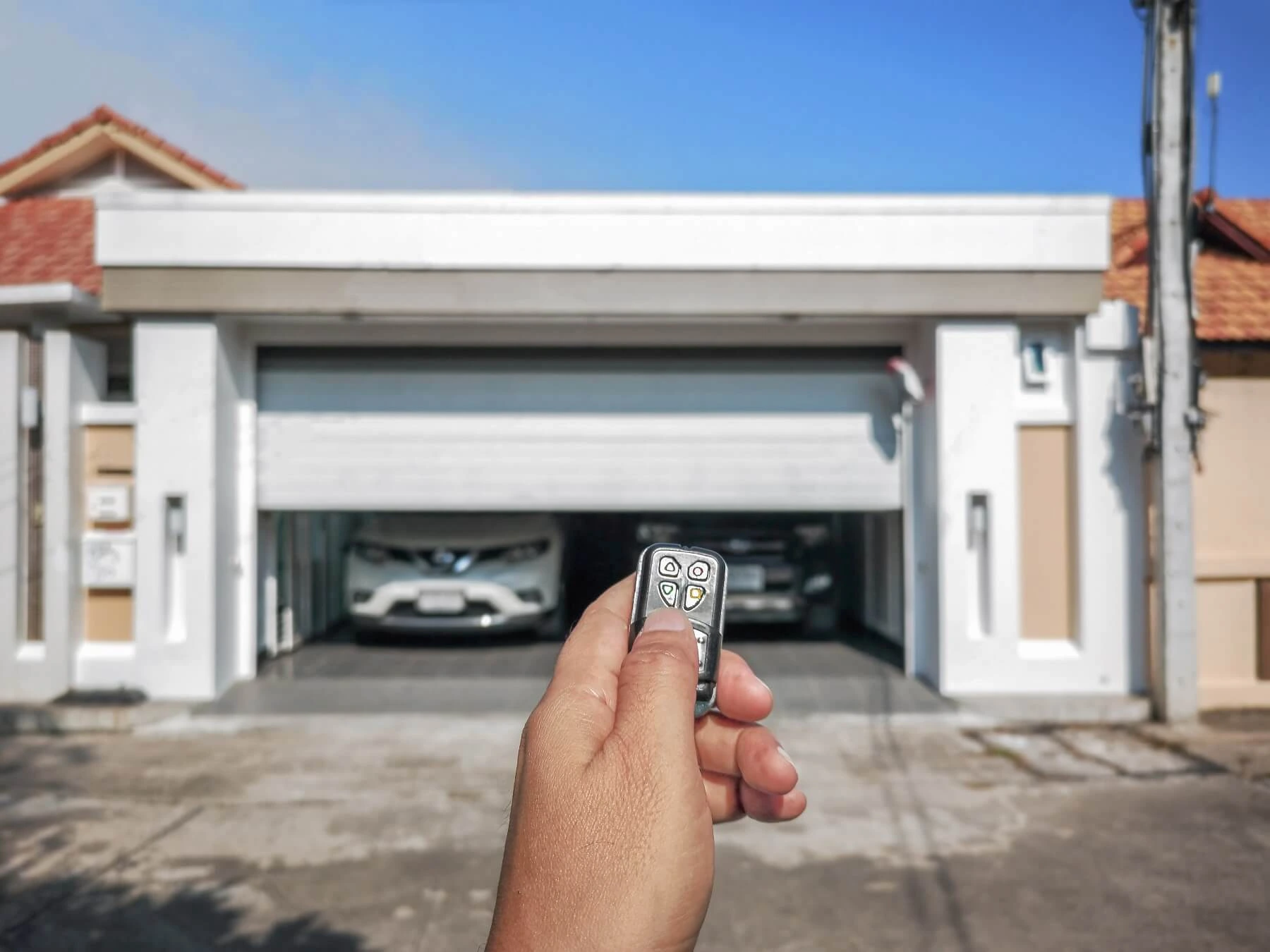
A LiftMaster garage door opener remote control works by sending a coded radio-frequency signal to the motor unit, which then processes the command through the control panel and triggers the garage door to open.
Here is how a LiftMaster remote communicates with your opener:
- Pressing the remote control button transmits a signal on a specific MHz frequency toward the motor unit.
- The antenna wire on the motor unit picks up the incoming signal and passes it to the control panel.
- The control panel reads the coded signal and identifies the correct command to execute.
- The motor unit activates and moves the garage door in the direction specified by the command.
- The opener lights flash briefly to confirm the signal was received and the command was processed.
To understand what breaks this connection and how to fix it, read our guide on How to Reset a LiftMaster Garage Door Opener Remote, which walks through every reset method St. Louis homeowners need to know.
Common Reasons Your LiftMaster Garage Door Opener Remote Control Stops Working
Dead or Weak Batteries
Dead or weak batteries are the most overlooked cause of a LiftMaster remote failure, and replacing them should always be the first step.
Watch for these warning signs:
- The LED indicator light on the remote appears dim or does not light up at all when pressed.
- A consistent response occurs only when standing directly in front of the motor unit.
- Pressing the remote control button produces no sound or movement from the opener.
- Performance becomes inconsistent, with the door sometimes responding and other times ignoring the signal.
- Batteries have not been replaced in over a year despite regular daily use.
Swapping in a fresh set of batteries resolves most LiftMaster remote issues, but if the door still does not move, broken springs may be contributing to the problem.
Lock Mode Is Activated on the Wall Console
Lock mode disables all remotes while keeping the wall button fully functional, and it is one of the most frequently missed causes of a remote suddenly stopping.
Look out for these indicators:
- Every remote in the household stops working at the exact same time.
- Pressing the wall button opens and closes the door without any issues.
- Blinking LEDs on the control panel appear after the remote is pressed.
- No physical damage or battery issues were found during inspection of the remote.
- Lock mode was accidentally activated by holding the wall button too long.
Press and hold the lock button on the wall console for 2 to 5 seconds until the blinking stops, restoring remote functionality.
Remote Has Lost Its Programming
Programming loss occurs when the opener’s memory is cleared or disrupted, leaving the remote unable to communicate with the opener until the pairing is fully restored.
Pay attention to these signs:
- A power outage or electrical surge occurred recently in or around the garage.
- Someone attempted troubleshooting and accidentally cleared the opener’s memory.
- Pressing the remote control button causes no reaction from the opener lights whatsoever.
- Other remotes and keyless entry devices also stopped working around the same time.
- Reprogramming the remote resolves the issue immediately, without any additional fixes.
Restoring the pairing requires activating programming mode via the motor unit’s learn button and completing the process within the designated time window.
Signal Interference From LED Bulbs or Wi-Fi Routers
Signal interference disrupts the communication between the remote and the opener, and everyday household devices are often the source of the problem.
Notice these patterns:
- Remote performance dropped after a new LED light bulb was installed in the opener housing.
- Full response only happens when standing a few feet away from the motor unit.
- A new Wi-Fi router or smart device was recently added near the garage.
- Other wireless accessories in the garage are also experiencing connectivity issues.
- Removing the LED light bulb from the opener housing immediately improves remote range.
Swapping the LED light bulb inside the opener for an incandescent or opener-rated bulb eliminates most interference issues without requiring any technical adjustments.
Safety Sensor Misalignment
Misaligned safety sensors stop the door cycle, and many homeowners mistake the problem for a faulty remote when the sensors are actually the cause.
Watch for these patterns:
- The wall button closes the door, but the remote produces no movement.
- Opener lights flash a set number of times after a failed closing attempt.
- One or both sensor LEDs near the door tracks are blinking instead of staying solid.
- Door travel begins and reverses immediately before reaching the closed position.
- Cleaning the sensor lenses and realigning the brackets restores normal operation.
Gently realigning the sensor brackets until both LEDs remain solid is usually enough to restore full remote and wall button functionality.
Opener Memory Is Full
A full opener memory blocks new remotes from pairing and causes existing remotes to lose their connection, particularly on older units with limited storage capacity.
Look for these indicators:
- A new remote or keypad fails to pair even after following the LiftMaster manual correctly.
- Previously working remotes begin dropping their connection without any obvious cause.
- Programming mode through the learn button does not complete successfully.
- Remotes, keypads, and HomeLink devices are already filling the opener’s memory.
- Clearing the memory and reprogramming all devices restores full functionality.
Periodically removing unused remotes from the opener’s memory keeps the system running efficiently, and a routine garage door repair service can catch compatibility issues before they escalate.
How to Reset Your LiftMaster Remote Step by Step
Resetting a LiftMaster garage door opener remote control clears the existing connection and allows the opener to recognize the remote as a fresh pairing.
Follow these steps to reset your LiftMaster remote:
- Locate the learn button on the back or side panel of the motor unit inside your garage.
- Press and hold the learn button for about six seconds until the LED indicator light turns off, which clears the opener’s memory.
- Release the learn button, then wait 5 seconds before moving forward.
- Press the learn button once quickly to activate programming mode, and watch for the LED to glow.
- Within 30 seconds, press and hold the remote control button until the opener lights flash, confirming the pairing was successful.
If the opener lights do not flash after completing every step, weak batteries or an incompatible remote are the most likely reasons the reset did not go through.
What to Check Before Calling a Technician in St. Louis, MO
Several common remote issues can be identified and resolved at home before spending money on a service call.
Run through these checks before calling a technician:
- Press the wall button to confirm the opener is receiving power and responding.
- Inspect the remote for visible cracks, stuck buttons, or corrosion in the battery compartment.
- Replace the batteries even if the LED indicator light still appears active.
- Check for new LED bulbs, Wi-Fi devices, or electronics added near the garage.
- Confirm the antenna wire on the motor unit is hanging straight and undamaged.
Taking ten minutes to run through these checks can eliminate the most common causes and save St. Louis homeowners an unnecessary service call fee.
When You Need a Replacement Remote Control for LiftMaster Garage Door Opener
Repeated troubleshooting that leads nowhere is a strong signal that a replacement remote control for the LiftMaster garage door opener is the more practical path forward.
Watch for these replacement signs:
- Remote casing is visibly cracked, and internal components are exposed or damaged.
- Corrosion inside the battery compartment has spread beyond the contacts.
- Buttons no longer make proper contact, even with fresh batteries installed.
- The remote was submerged in water or exposed to prolonged heat.
- Reset and reprogramming attempts consistently fail without any clear cause.
To determine which replacement scenario fits your situation, read our guide on When to Replace Your LiftMaster Garage Door Opener Remote, which covers every condition where a new remote is the most practical solution.
How to Reprogram LiftMaster Garage Door Opener Remote After Replacement
Getting a new remote means liftmaster garage door opener remote control programming is the final step before everything works the way it should.
Follow these steps to reprogram your LiftMaster remote:
- Locate the learn button on the motor unit and press it once to activate programming mode.
- Watch for the LED indicator light to glow, confirming the opener is ready to pair.
- Press and hold the remote control button within 30 seconds of activating programming mode.
- Release the button when the opener lights flash or a click confirms the pairing.
- Test the remote from multiple spots around the garage to confirm a stable connection.
To walk through every programming scenario in full detail, read our guide on How to Program a LiftMaster Garage Door Opener Remote, which covers every situation where reprogramming becomes necessary after a replacement.
Pro Tips to Keep Your LiftMaster Remote Working Longer
A few simple habits can extend the life of a LiftMaster garage door opener remote control and prevent the most common issues before they start.
Keep your LiftMaster remote in good shape with these tips:
- Replace batteries every 12 months, even if the remote is still responding.
- Keep the remote away from heat and moisture to protect internal components.
- Remove unused remotes from the opener’s memory to avoid reaching capacity.
- Inspect the remote casing periodically for cracks or damage.
- Store backup remotes indoors in a cool and dry location.
Consistent upkeep on these small habits keeps the LiftMaster remote performing well, and routine garage door installation checkups ensure the entire system stays in top condition.
Do Not Let a LiftMaster Garage Door Opener Remote Control Issue Go Unresolved
A malfunctioning LiftMaster garage door opener remote control is a problem every homeowner deserves to have resolved quickly and correctly. Knowing whether the fix involves a battery swap, a reset, a remote replacement, or a full reprogram makes the path to a working garage door opener much clearer.
Guardian Door and Gate is a trusted provider of garage door services serving homeowners throughout St. Louis, MO, and the surrounding areas. Contact us or give us a call today, and let our experienced technicians take a thorough look at what your LiftMaster garage door opener remote control needs to get back to working order.
Frequently Asked Questions
Which LiftMaster remote control is compatible with my garage door opener?
Compatibility depends on your opener model and the color of your learn button. Check the label on your motor unit for the model number, then match it to the compatible remote listed on LiftMaster's website.
What should I do if my LiftMaster remote control is not working?
Start by replacing the batteries and checking if lock mode is active on the wall console. If the door still does not respond, try resetting and reprogramming the remote using the motor unit's learn button.
Where can I buy a replacement LiftMaster garage door opener remote?
Replacement remotes are available at home improvement stores, electronics retailers, and directly through LiftMaster's website. Always verify the model number before purchasing to confirm compatibility with your specific opener.
How can I reset my LiftMaster garage door opener remote?
Hold the learn button on the motor unit for about six seconds until the LED turns off, which clears all programmed remotes. Press the learn button once and reprogram your remote within 30 seconds to restore the connection.
Are there instructions for programming multiple LiftMaster remotes to one opener?
Yes, LiftMaster openers support multiple remotes without requiring a memory clear between each pairing. Press the learn button once to enter programming mode and pair each remote one at a time within the 30-second window.
How do I know if my LiftMaster remote control needs a new battery?
A dim or flickering LED indicator light is one of the first signs that the battery is running low. The remote may also only work when held very close to the opener, which suggests a weak signal from a dying battery.
Can I use a universal remote with a LiftMaster garage door opener?
Yes, many universal remotes are compatible with LiftMaster openers, including models designed for Chamberlain and Sears Craftsman openers. Always check the packaging for compatibility details and confirm the remote supports the same MHz frequency as your opener.
What are common reasons for LiftMaster remotes losing sync with the opener?
Power outages, accidental memory clears, and signal interference are the most frequent causes of lost sync. A LiftMaster garage door opener remote reprogram is often all that is needed to restore the connection between the remote and the opener.
How do I find the model number on my LiftMaster remote control?
The model number is usually printed on a sticker inside the battery compartment or on the back of the remote. Knowing the correct model number helps confirm compatibility when ordering a LiftMaster garage door opener remote replacement.