A failing LiftMaster garage door opener remote control that goes unaddressed often leads to repeated garage door opener repair visits that could have been avoided. Knowing the exact signs of a failing remote helps you act quickly before the problem affects your entire garage door system.
LiftMaster remotes are built for long-term use, but daily wear, physical damage, and battery issues can cut that lifespan short. This guide covers the key signs that point to replacement, what to check before buying a new one, and which options work best for your LiftMaster garage door opener.
How Long Does a LiftMaster Garage Door Opener Remote Last?
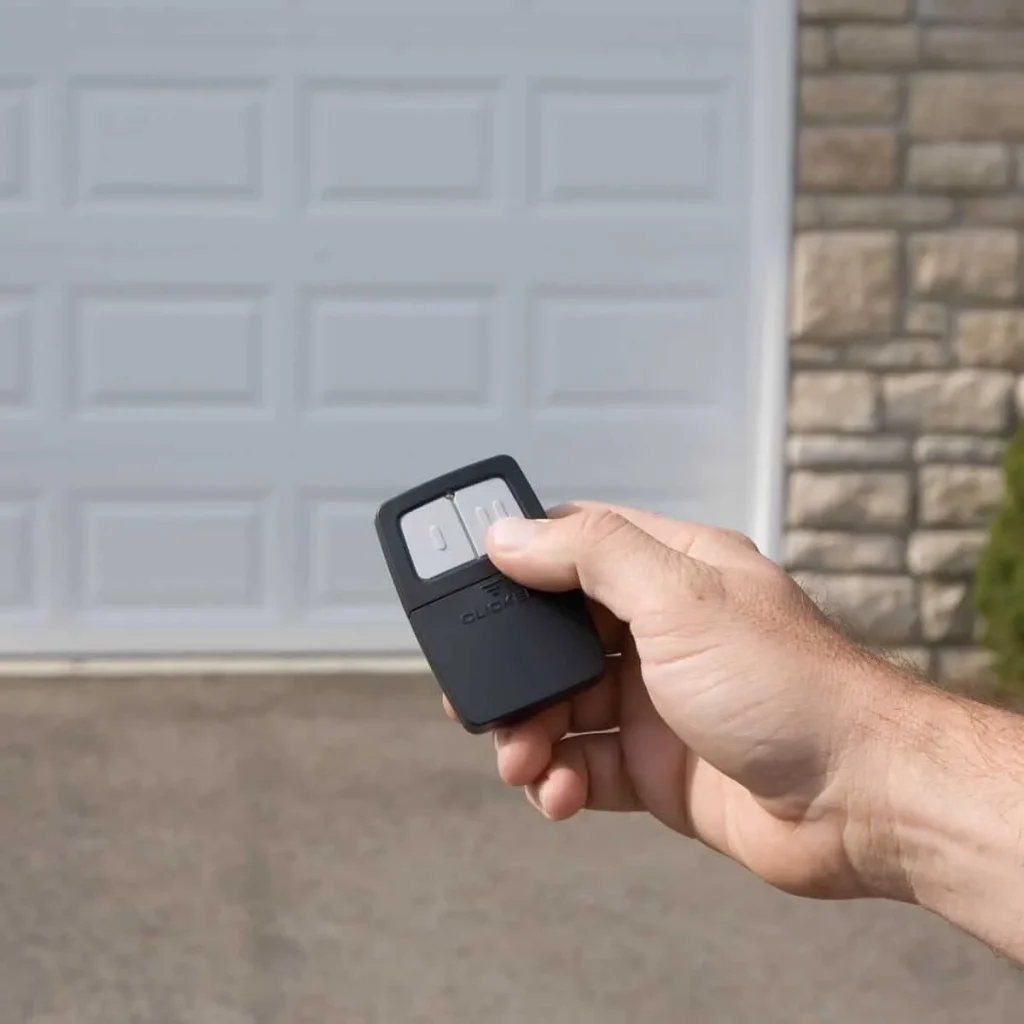
A LiftMaster garage door opener remote control typically lasts between 5 and 10 years, but daily wear, environmental conditions, and maintenance can either extend its lifespan or cut it short.
The most common factors that shorten a remote’s lifespan include:
- Exposure to heat, cold, and humidity breaks down internal components over time
- Frequent daily use wears down the buttons and conductive coating faster
- Poor battery quality and infrequent replacements reduce the overall performance of the life
- Mishandling, improper storage, and accidental drops speed up deterioration
- Using a remote that is incompatible with the opener adds unnecessary strain to the programming process
To understand how these wear factors affect your garage door system, read our guide on LiftMaster Garage Door Opener Remote Control Not Working?, which covers every issue homeowners encounter before a remote stops working completely.
Signs It’s Time to Replace Your LiftMaster Garage Door Opener Remote
Remote Stops Responding After a Battery Change
Even after replacing the remote battery correctly, a remote that still shows no response points directly to an internal failure in the unit.
Key indicators that confirm internal failure include:
- The LED indicator light shows no response when the remote button is pressed
- Opener lights and the wall control panel work normally, while the remote does nothing
- The battery is properly seated inside the battery cover with the correct polarity
- Other programmed remotes still operate the opener without any issue
- Multiple fresh batteries have been tested with the same unresponsive result
Re-pairing the remote using the learn button produces no motor unit response, which means replacement is the only viable option.
Internal Conductive Coating Is Worn Out
Gradual performance decline in a LiftMaster remote often points directly to a worn conductive coating on the button contacts.
Signs that the conductive coating has degraded include:
- The remote button requires noticeably more pressure to trigger any opener response
- Performance becomes inconsistent, with no clear pattern for when it works
- No visible external damage exists despite the steady drop in responsiveness
- Signal transmission weakens progressively over several weeks or months
- Repeated pressing of the same remote button produces an unreliable result
Once the contacts degrade past a certain point, the unit can no longer send a signal strong enough to reach the opener.
Buttons Are Stuck or No Longer Clicking
Physical deterioration of the remote buttons is a direct sign that the unit has reached the end of its functional life.
Warning signs that button failure is the root cause include:
- The programmed button no longer springs back after being pressed
- Dirt, moisture, or grime has worked into the gaps around the buttons
- Pressing the remote button produces a mushy feel with no tactile feedback
- Forcing a stuck button risks damaging the internal circuit board further
- Button failure affects one or multiple controls on the same remote
Continued use of a damaged remote risks permanent internal damage that extends well beyond the buttons.
Remote Only Works at Close Range
A significant range loss in a LiftMaster remote indicates a weakening transmitter that can no longer reach the opener at its normal distance.
Range-related symptoms that indicate transmitter failure include:
- The door used to open from the street, but now requires standing just a few feet away
- Antenna wire on the opener is confirmed hanging straight and undamaged
- Battery replacement produced no improvement in operating range
- Other remotes still operate the opener from a normal distance without issue
- Signal loss has worsened gradually over several weeks or months
A reduced range cannot be resolved through reprogramming, which means the transmitter has already deteriorated beyond recovery.
Remote Has Visible Physical Damage
Visible physical damage to a LiftMaster remote directly compromises its internal components, rendering reliable operation impossible.
Damage indicators that require immediate replacement include:
- The casing is cracked or broken from being dropped on a hard surface
- The remote was exposed to water, rain, or prolonged humidity
- Corrosion is visible inside the battery compartment near the battery cover
- Buttons are physically missing or permanently pushed inward
- Remote was crushed, run over, or subjected to repeated impact
A cracked casing or corroded contacts often signal deeper issues that require professional garage door repair to prevent further damage to the system.
Remote Was Lost or Stolen
Losing a LiftMaster remote creates a direct security vulnerability that requires immediate action from every homeowner.
Steps and signs that confirm a security risk include:
- Remote cannot be located after searching all regular storage locations
- Remote was inside a stolen bag, purse, or vehicle
- Unauthorized individuals may now have physical access to the opener
- Opener’s memory still contains the lost remote’s programmed code
- All remaining remotes must be reprogrammed after clearing the opener’s memory
Restoring access after a lost or stolen remote is best handled by calling a professional emergency garage door repair service to secure the system immediately.
Reprogramming No Longer Fixes the Issue
Repeated failed reprogramming attempts confirm the remote has lost its ability to communicate with the opener entirely.
Clear indicators that reprogramming has reached its limit include:
- The learn button was pressed, and programming mode was activated correctly
- Opener lights flashed during the process, but the remote still did not pair
- LiftMaster manual steps were followed precisely across multiple attempts
- The LED indicator light on the opener blinked, but the remote showed zero response
- Programming attempts on separate days all produced the same failed result
Investing in a replacement remote control for the LiftMaster garage door opener is the only practical move when pairing consistently fails.
What to Check Before You Replace Your LiftMaster Remote
Running a few basic checks before purchasing a replacement can save you time and money on an unnecessary liftmaster garage door opener remote replacement.
Basic checks to run before replacing your remote include:
- Replace the battery with a fresh CR2032 lithium battery and confirm it is seated correctly inside the battery cover
- Check for nearby LED bulbs or electronics that may be disrupting the remote’s signal frequency
- Inspect the antenna wire on the opener to confirm it is hanging straight and free of damage
- Press the learn button to re-enter programming mode and attempt to re-pair the remote with the opener
- Test the remote from a different location to rule out interference from a specific area
To walk through every re-pairing step before committing to a replacement, read our guide on How to Reset a LiftMaster Garage Door Opener Remote, which covers every step needed to restore the connection between your remote and opener.
LiftMaster Garage Door Opener Remote Replacement Options
Choosing the right LiftMaster garage door opener remote replacement starts with knowing which option is compatible with your specific opener model.
| Remote Type | Best For | Compatibility |
| OEM LiftMaster Remote | Most LiftMaster and Chamberlain openers | Highest compatibility, plug-and-play programming |
| Universal Remote | Multiple brands, including older units and Sears Craftsman openers | Requires frequency and model verification |
| LiftMaster MAX Remote | Newer LiftMaster openers requiring extended range | Compatible with select LiftMaster models only |
| Keyless Entry Keypad | Homeowners who prefer a code-based entry option | Works with most current LiftMaster openers |
| HomeLink Visor Control | Vehicles with built-in HomeLink compatibility | Requires a HomeLink-equipped vehicle |
Verifying your opener’s model number before purchasing any replacement remote control for a LiftMaster garage door opener ensures full compatibility and a straightforward programming process.
Programming Your New LiftMaster Remote After Replacement
Completing the LiftMaster garage door opener remote control programming process correctly after a replacement ensures the new remote pairs with the opener on the first attempt.
Key steps involved in programming a new remote include:
- Clear the opener’s memory first if the old remote was lost or stolen to remove all previously programmed devices
- Locate the learn button on the motor unit and note the learn button color before starting
- Press and release the learn button to activate programming mode within the opener
- Hold the remote button down until the opener lights flash or the LED indicator light blinks to confirm pairing
- Test the newly programmed remote button to confirm the opener responds correctly
To get a full step-by-step walkthrough of pairing your new device with the opener, read our guide on How to Program a LiftMaster Garage Door Opener Remote, which covers every detail of the programming process from start to finish.
How to Maintain Your New LiftMaster Remote After Replacement
Proper care after a LiftMaster garage door opener remote replacement extends the new unit’s lifespan and prevents the same issues from recurring.
Simple maintenance habits to keep your new remote in good condition include:
- Replace the battery at least once a year to prevent unexpected failure and corrosion inside the battery cover
- Store the remote away from direct heat and moisture to protect its internal components
- Clean around the buttons regularly with a dry cloth to prevent dirt buildup that causes sticking
- Avoid dropping or sitting on the remote to prevent casing cracks that expose the circuit board
- Keep the remote away from LED bulbs and signal-disrupting electronics near the opener
Keeping your remote in good condition is especially important after a new garage door installation, where all components need to work together from the start.
Act on These Signs and Replace Your LiftMaster Garage Door Opener Remote Today
Identifying the signs of a failing LiftMaster garage door opener remote early prevents small issues from becoming costly garage door repairs. Acting on those signs quickly keeps your garage door system running without interruption and eliminates unnecessary troubleshooting.
Guardian Door and Gate proudly serves homeowners in St. Louis, MO, with professional garage door services, including everything from remote replacement to full opener installation. Our team understands LiftMaster systems inside and out, so contact us or give us a call today and let us handle everything from diagnosis to a complete fix.
Frequently Asked Questions
Does the age of my LiftMaster opener affect which replacement remote I can use?
Yes, older LiftMaster openers operate on different frequencies than newer models, which limits compatibility with current remotes. Checking the opener's model number and frequency before purchasing ensures the new remote control for LiftMaster garage door opener will pair without issues.
Can extreme heat inside a parked car permanently damage a LiftMaster remote?
Yes, prolonged exposure to high heat inside a parked car warps internal components and degrades the battery faster than normal use. Moving the remote to a cooler storage location significantly extends its lifespan.
How do I know if my LiftMaster remote is no longer sending a signal?
Standing close to the opener and pressing the remote button while watching for any LED indicator light response is the quickest way to check signal output. No light response after a confirmed fresh battery installation strongly indicates the transmitter has failed, and a replacement is needed.
Is it possible to use a smartphone to temporarily replace a lost LiftMaster remote?
Yes, LiftMaster openers compatible with the myQ app allow smartphone control as a temporary solution while waiting for a replacement. Setting up the app requires a stable Wi-Fi connection and a compatible LiftMaster garage door opener model.
How do I know when to start a LiftMaster garage door opener remote reprogram versus buying a new one?
Attempting a Liftmaster garage door opener remote reprogram first makes sense when the remote has no visible damage and has not been replaced previously. Buying a new remote becomes the better option when reprogramming repeatedly fails, even after multiple attempts.
What happens to my other paired remotes when I replace a failed LiftMaster remote?
Replacing a failed remote does not affect other paired devices, provided the opener's memory is not cleared during the process. Clearing the memory to remove a lost or stolen remote requires reprogramming all remaining devices from scratch.
Do all LiftMaster remotes use the same programming process?
No, the programming process varies depending on the model and the color of the learn button on the opener. Consulting the LiftMaster manual for the specific opener model ensures the correct steps are followed when learning how to reprogram LiftMaster garage door opener remote for a new unit.
Can a faulty LiftMaster remote affect the opener's overall performance?
Yes, a remote that sends inconsistent or weak signals can cause the opener to behave erratically, including partial cycles and unexpected stops. Replacing the remote eliminates signal-related interference and restores consistent opener performance.
How soon should I replace a LiftMaster remote after noticing performance issues?
Addressing performance issues as soon as they appear prevents the problem from escalating into a full remote failure at an inconvenient time. Delaying a replacement remote control for LiftMaster garage door opener increases the risk of being locked out when the remote stops working completely.