Access control systems are needed by commercial businesses, multi-tenant residential buildings, schools, and homeowners who want a reliable way to control who enters and exits a property. Many people assume the need applies only to large commercial buildings, but that overlooks how often smaller properties face the same risks.
Determining who actually needs an access control system requires looking past property size and toward the specific security risks each property faces. This guide breaks down the groups that benefit most, the signs that an upgrade is overdue, and what to consider when choosing the right system.
How Do Access Control Systems Work With Other Security Tools?
A property signals the need for controlled entry long before a break-in occurs, often through small gaps in daily access that build up over time and go unnoticed until they create real exposure for everyone involved.
Common signals include:
- No record exists of who enters or exits the building each day
- A lost or copied key cannot be traced back to a specific person
- Multiple tenants or employees share the same physical key
- Visitors and vendors come and go without any documented approval
- Staff turnover happens often enough that rekeying becomes a recurring expense
To understand how these entry gaps are closed through connected technology, read our guide on How Do Smart Intercoms Integrate with Access Control Systems, which explains how verification and remote entry work together to close these gaps.
Who Should Consider an Access Control System?
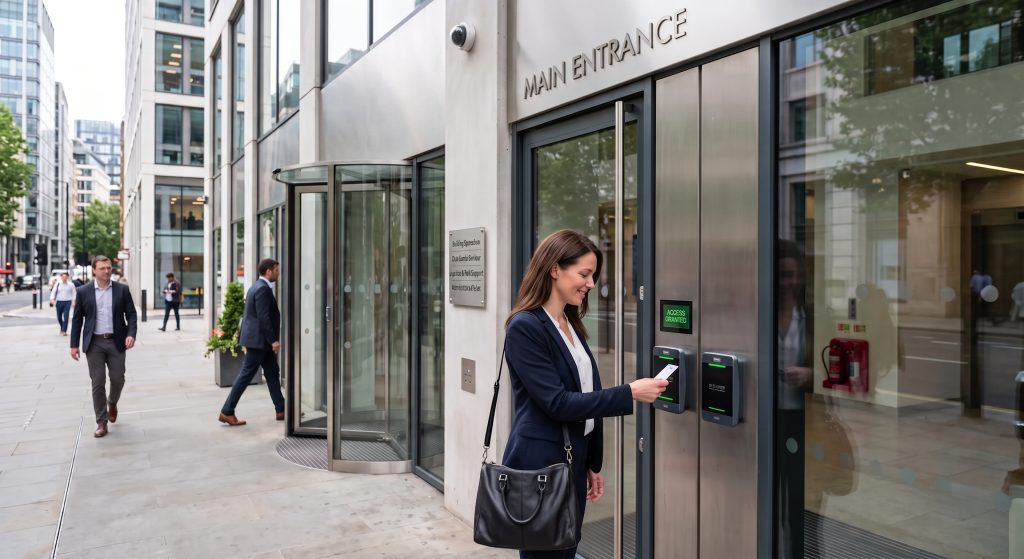
Commercial Businesses and Offices
An access control system allows businesses to assign entry permissions by role, so employees can access only the specific areas tied to their job function.
Typical needs at this stage include:
- Different access levels assigned by department or seniority tier
- Fast onboarding and offboarding without rekeying doors for every hire
- Documented entry records available for internal review
- Restricted access to server rooms, storage, or executive offices
- Coordination across multiple office locations under one shared system
Role-based permissions give office managers a level of oversight that a shared key was never built to deliver across a growing team.
Multi-Tenant Residential Buildings
A building access control system mitigates the risk posed by too many residents holding identical keys, adjusting access instantly whenever a tenant moves out.
Common pain points this addresses include:
- Former tenants retaining working keys after moving out
- No visibility into who accessed shared amenities like gyms or garages
- Difficulty coordinating temporary access for maintenance staff
- Guest entry that bypasses front desk oversight entirely
- Rekeying costs that repeat with every lease turnover
Many multi-tenant properties pair this system withgate automation for parking areas, extending the same control to vehicle entry.
Single-Family Homeowners
Homeowners are moving away from traditional keys toward smart locks paired with a video intercom, adding a layer of verification before the door ever opens.
Households often look into this option when facing:
- Frequent contractors or service visits needing temporary access
- Rental properties require a different code for each guest
- A desire to remove hidden spare keys left outside the home
- Family members who repeatedly lose or misplace physical keys
- Interest in monitoring entry activity while away from the property
Adjustable credentials give every household member a clearer picture of who enters the home and when.
Schools and Other Institutions
Educational buildings need to stay open and welcoming during the day while still protecting classrooms and administrative offices from unrestricted access.
Institutions at this level typically require:
- Scheduled access that changes automatically by time of day
- Locked classrooms maintained during instructional hours
- Restricted entry to administrative offices and student records
- Integration with existing alarm or intrusion detection systems
- Clear audit trails available for internal safety reviews
Campuses that manage perimeter gates often schedulegate repairs alongside access control upgrades to keep every entry point functioning properly.
Businesses With Frequent Vendor or Visitor Traffic
Issuing temporary credentials tied to a specific time window removes the burden from front desk staff while maintaining a documented record of every visit.
This category often includes:
- Warehouses managing frequent and recurring delivery schedules
- Retail locations handling regular vendor restocking visits
- Offices hosting client meetings throughout the week
- Facilities required to maintain signed visitor logs
- Properties where staff need faster visitor check-in processing
Properties with a perimeter entry point often pair visitor management with professionalgate installation to control traffic before visitors reach the building.
What Are the Advantages of Installing an Access Control System?
Installing an access control system gives property owners better oversight, reduced risk from lost keys, and easier management across multiple entry points.
These advantages stand out once a system replaces outdated locks:
- Detailed audit trails showing exactly who entered and when
- Instant deactivation of lost or stolen credentials without rekeying
- Centralized management for properties with several access points
- Support for mobile credentials and facial recognition instead of outdated card readers
- Improved coordination with existing video surveillance
To explore how these advantages play out for different types of properties in more detail, read our guide on What Are the Benefits of Access Control Systems?, which breaks down each one and shows how it applies depending on the situation.
How Can Property Owners Know If an Upgrade Is Needed?
Property owners can tell an upgrade is needed when the current system creates more daily friction than actual security.
Common signs include:
- No record exists of who enters or exits the property
- Lost keys require rekeying instead of a simple credential change
- Multiple access points are difficult to manage from one location
- Staff or tenant turnover happens often enough to strain the current setup
- Visitors and vendors enter without any documented approval process
Recognizing these signs early makes it easier to choose the right replacement before an outdated system becomes a bigger liability.
How to Choose the Right Access Control System
Choosing the right access control system depends on matching the technology to a property’s size, entry points, and specific security requirements.
Key factors to weigh include:
- The number of doors and access points needing coverage
- Compatibility with existing alarm or video surveillance systems
- Preferred credential type, such as key cards, mobile access, or a PIN code
- Whether remote management is needed across multiple locations
- The level of security required for sensitive or restricted areas
To weigh which type of access control system offers the strongest protection for a specific property, read our guide on What Type of Access Control System Is Most Secure?, which breaks down each option and how they compare.
Access Control Systems Are for Every Property With Something to Protect
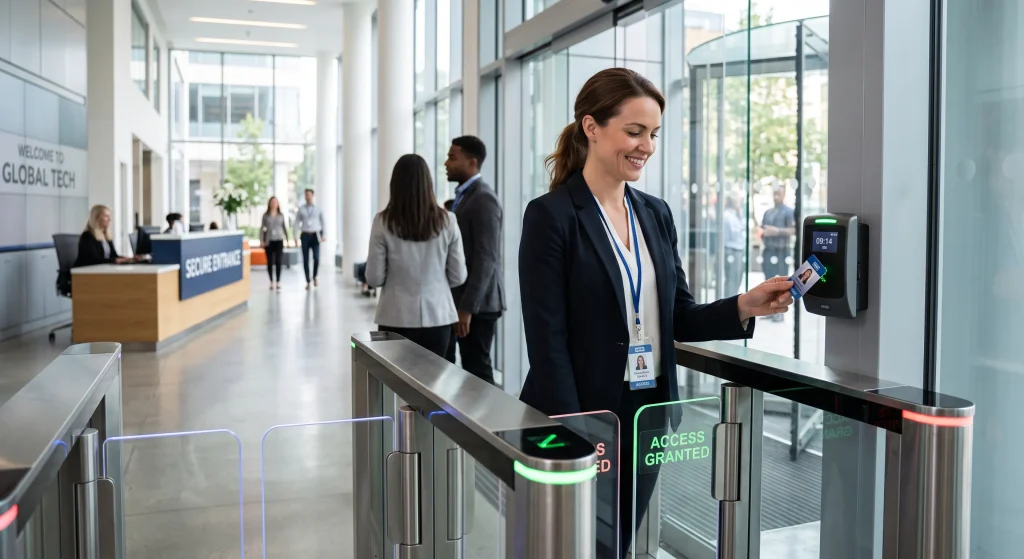
Commercial businesses, multi-tenant buildings, schools, and homeowners all share the same underlying need to know who enters their property and when. Identifying which of these groups a property falls into makes it far easier to choose a system built on real risks rather than guesswork.
Guardian Door & Gate designs and installs access control systems for property owners across St. Louis who face exactly these situations, from single-entry homes to larger commercial buildings with multiple access points. Contact us or give us a call today, and let our team match the right system to your specific property.
Frequently Asked Questions
Is an access control system worth it for a single-family home?
Yes, homeowners increasingly install access control for the same reasons businesses do. A residential setup paired with a video intercom system allows a household to verify a visitor before granting entry, adding a layer of control that a standard lock cannot offer.
Do property managers need special training to operate an access control system?
No, most systems are built for everyday use without specialized training. A property manager can typically manage credentials, review activity, and adjust remote access control settings through a straightforward dashboard.
Can a small business start with a basic system and upgrade later?
Yes, most access control system setups are designed to grow with a property. A business can begin with a card access system covering a few doors and later expand to include additional entry points or a commercial intercom system as needs change.
What size property typically justifies installing access control?
There is no fixed size requirement, since the decision depends more on risk than square footage. A property with several tenants, employees, or frequent visitors often benefits from a smart intercom system regardless of overall size.
Do landlords have any responsibility to provide secure access for tenants?
Responsibilities vary by property and local regulations rather than a single universal standard. Many landlords choose to install access control intercom systems to reduce liability and improve tenant confidence in the property.
Can access control systems help reduce liability for property owners?
Yes, documented entry records can support a property owner in the event of an incident. Systems that pair intercom access control with detailed logs give owners a clearer record of activity than unmonitored physical keys ever could.
Are access control systems only useful for large corporations?
No, access control applies to properties of all sizes and types. Small offices, single-family homes, and small multi-tenant buildings all benefit from the same core technology used in larger commercial settings.
Do access control systems require a dedicated staff member to manage them?
No, most systems are designed for a property manager or owner to handle directly. Remote access control features allow adjustments to be made from a phone or computer without needing an on-site technician for routine changes.
Can access control systems be customized based on a tenant's specific needs?
Yes, most systems allow individual credential settings for each tenant or user. This flexibility lets a property owner assign a keyless entry system credential with different access levels depending on the unit, role, or agreement in place.